Adobe Premier Pro Fundamentals
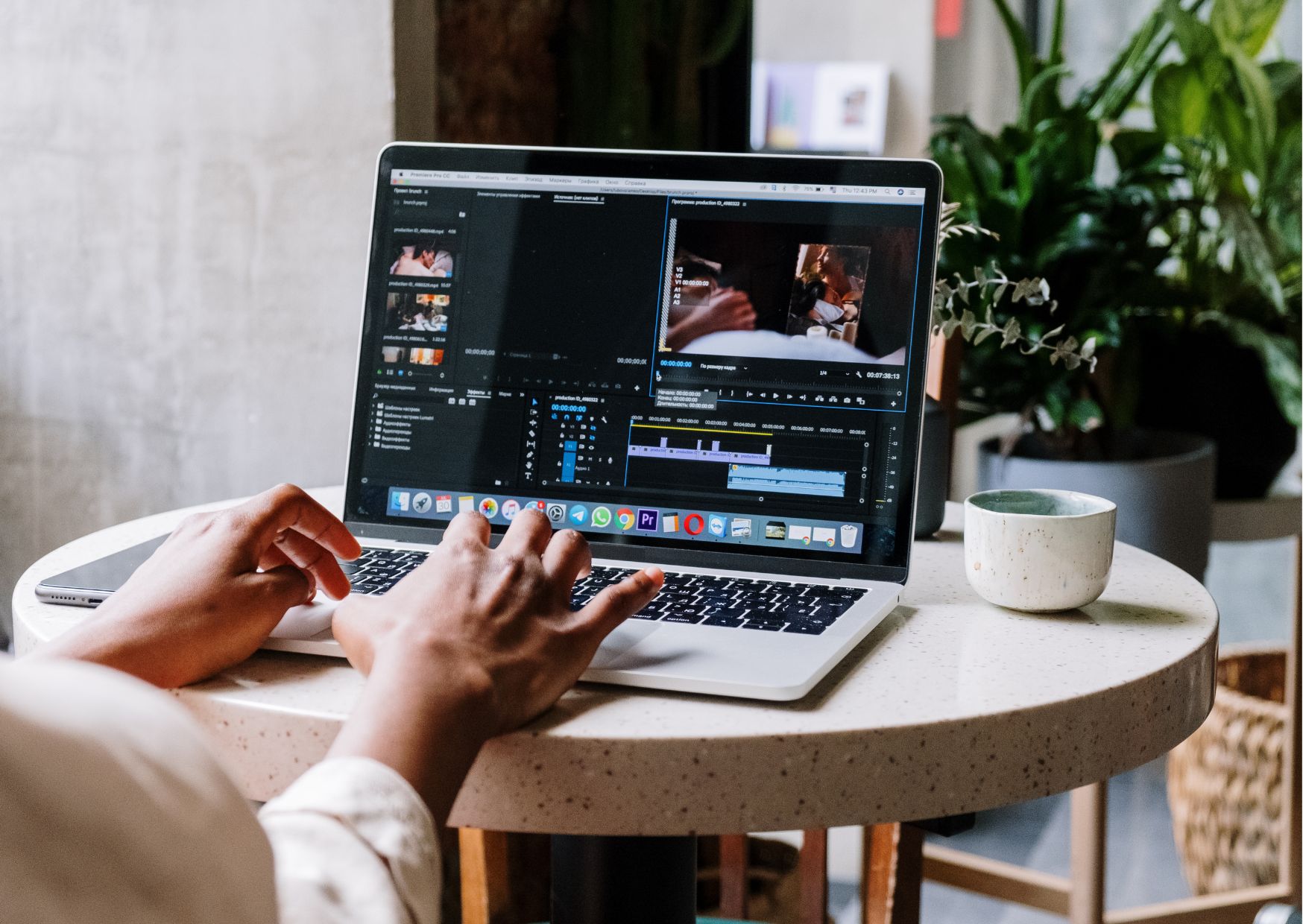
**Unlock Your Creative Potential with Adobe Premiere Pro Fundamentals! 🚀** Are you ready to take your video editing skills to...
Official Certification
Recognized by top tech firms
Learn With Confidence



About This Course
**Unlock Your Creative Potential with Adobe Premiere Pro Fundamentals! 🚀**
Are you ready to take your video editing skills to the next level? Look no further! Our Adobe Premiere Pro Fundamentals course is your ticket to mastering one of the industry’s leading video editing software. Whether you’re a beginner or an experienced editor looking to refine your techniques, this course will equip you with the essential skills and knowledge to create stunning video content that captivates your audience.
**Why Choose Adobe Premiere Pro Fundamentals?**
🎬 **Professional-grade Editing:** Learn to edit videos like a pro with Adobe Premiere Pro, the go-to software for filmmakers, YouTubers, and content creators worldwide.
🔧 **Comprehensive Training:** From basic editing techniques to advanced features, our course covers everything you need to know to unleash your creativity and bring your vision to life.
📈 **Career Advancement:** Gain valuable skills that are highly sought after in today’s competitive job market. Whether you’re pursuing a career in film production, advertising, or digital media, proficiency in Adobe Premiere Pro can open doors to exciting opportunities.
💡 **Creative Freedom:** With Adobe Premiere Pro, the only limit is your imagination. Explore a wide range of tools and effects to transform your raw footage into polished masterpieces that stand out from the crowd.
📚 **Flexible Learning:** Access our course materials anytime, anywhere, and at your own pace. Whether you prefer to learn through video tutorials, interactive exercises, or downloadable resources, we’ve got you covered.
👩💻 **Expert Instruction:** Learn from industry professionals with years of experience in video editing. Our instructors are dedicated to helping you succeed and are always available to provide guidance and support.
**Who is this for?**
Our Adobe Premiere Pro Fundamentals course is perfect for:
– Beginners who want to learn the basics of video editing and start creating their own content.
– Intermediate editors looking to expand their skillset and take their editing to the next level.
– Professionals seeking to enhance their resume and stay competitive in the rapidly evolving digital media landscape.
No matter your skill level or background, our course is designed to accommodate learners of all levels and empower you to achieve your creative goals.
**Career Path**
Earning proficiency in Adobe Premiere Pro can open up a world of exciting career opportunities in various industries, including:
🎥 **Film and Television Production:** Work as a video editor, assistant editor, or post-production specialist for film studios, television networks, or independent production companies.
📺 **Broadcasting:** Create compelling video content for news stations, sports networks, or online streaming platforms.
📹 **Digital Media:** Produce engaging videos for social media platforms, corporate websites, or digital marketing campaigns.
🎞️ **Freelancing:** Set up your own freelance editing business and collaborate with clients on a wide range of projects, from promotional videos to wedding highlights.
No matter which path you choose, proficiency in Adobe Premiere Pro is a valuable asset that can help you stand out in today’s competitive job market and advance your career to new heights.
**FAQs**
**Q: Is this course suitable for absolute beginners with no prior experience in video editing?**
A: Yes, our Adobe Premiere Pro Fundamentals course is designed to accommodate learners of all levels, including those who are completely new to video editing. We’ll start with the basics and gradually introduce more advanced techniques as you progress through the course.
**Q: How long does it take to complete the course?**
A: The duration of the course varies depending on your pace of learning and the amount of time you dedicate to studying each module. On average, students complete the course within a few weeks to a couple of months.
**Q: Do I need any specific software or hardware to take this course?**
A: While access to Adobe Premiere Pro software is required to follow along with the course tutorials, no specialized hardware is necessary. As long as you have a computer or laptop with sufficient processing power and storage space, you’re good to go!
**Q: Will I receive a certificate upon completing the course?**
A: Yes, upon successful completion of the course, you will receive a certificate of completion that you can add to your portfolio or resume to showcase your newfound skills to potential employers or clients.
**Q: Are there any prerequisites for enrolling in this course?**
A: There are no strict prerequisites for enrolling in the Adobe Premiere Pro Fundamentals course. However, a basic understanding of computers and familiarity with video editing terminology may be beneficial.
**Q: What kind of support will I receive during the course?**
A: Our team of experienced instructors is dedicated to providing you with the support and guidance you need to succeed. Whether you have questions about course material, encounter technical difficulties, or need feedback on your projects, we’re here to help every step of the way.
Don’t miss out on this opportunity to elevate your video editing skills and unleash your creative potential with Adobe Premiere Pro Fundamentals. Enroll today and take the first step towards a rewarding career in video production! 🎥✨
Course Content
Module 1 Introduction to Adobe Premiere Pro
-
Introduction to Adobe Premiere Pro
00:00
Module 2 Workspace and Workflow
Module 3 Importing Footage
Module 4 Managing Assets
Module 5 Editing Sequence and Clips
Module 6 Editing Audio
Module 7 Titling and The Titler
Module 8 Effects and Transitions
Module 9 Animation and Keyframes
Module 10 Exporting
Frequently Asked Questions
There are many things that you might want to know. Well we have the answers.
