Passion-Driven Editing: Accelerating Your Workflow
🚀 Passion-Driven Editing: Accelerating Your Workflow 🚀 Are you ready to take your editing skills to the next level and...
Official Certification
Recognized by top tech firms
Learn With Confidence
About This Course
🚀 Passion-Driven Editing: Accelerating Your Workflow 🚀
Are you ready to take your editing skills to the next level and revolutionize your workflow? Join our comprehensive course and discover the secrets to accelerating your editing process while maintaining quality and precision. Whether you’re a novice looking to learn the fundamentals or a seasoned pro seeking advanced techniques, this course is designed to help you unleash your creativity and streamline your editing workflow like never before.
💡 Benefits of Taking This Course 💡
- Increase Efficiency: Learn proven strategies and techniques for optimizing your editing workflow and completing projects in less time without sacrificing quality. From keyboard shortcuts to automation tools, discover how to work smarter, not harder, and get more done in less time.
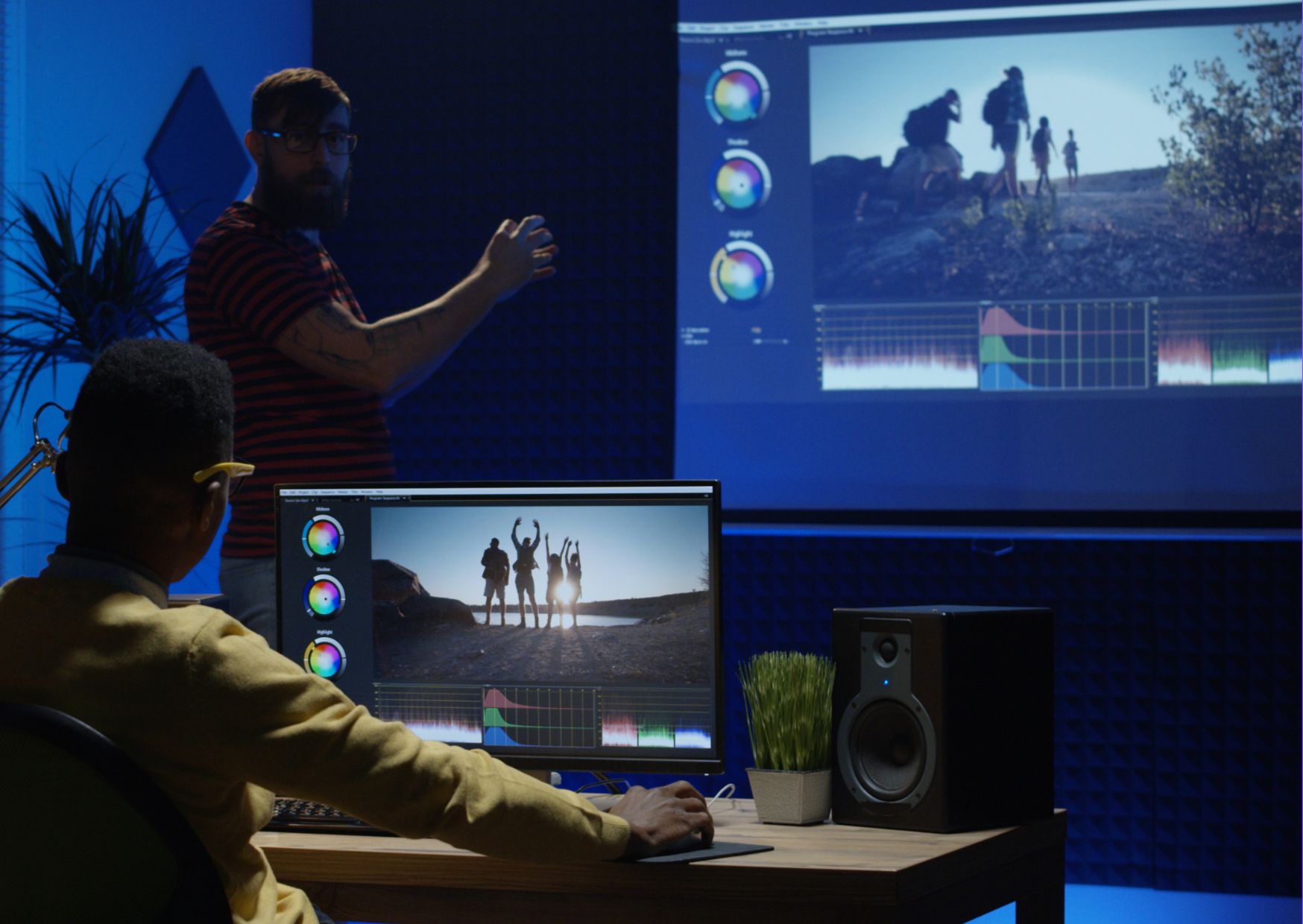
- Enhance Creativity: Unlock new creative possibilities and explore innovative editing techniques that will take your projects to the next level. From color grading to audio mixing, learn how to use editing software to bring your vision to life and captivate your audience.
- Improve Quality: Master the art of editing and refine your skills to produce polished, professional-quality content that stands out from the competition. From storytelling to pacing, learn how to make strategic editing decisions that enhance the impact and effectiveness of your projects.
- Boost Productivity: Discover time-saving tips and tricks for organizing your files, managing your projects, and collaborating with team members more effectively. From project management tools to communication strategies, learn how to streamline your workflow and get more done with less effort.
- Expand Your Skill Set: Develop a comprehensive understanding of editing principles and techniques that will empower you to tackle a wide range of projects with confidence. Whether you’re editing videos, photos, or audio, this course will equip you with the skills and knowledge you need to succeed.
👩💼 Who is This For? 👨💼
- Content Creators: Content creators looking to enhance their editing skills and accelerate their workflow to produce high-quality content more efficiently.
- Freelancers: Freelance editors seeking to improve their productivity, efficiency, and overall editing skills to attract more clients and grow their business.
- Students: Students studying film, media production, or related fields who want to gain practical editing experience and develop marketable skills for their future careers.
- Professionals: Professionals working in the fields of film, television, advertising, or digital media who want to stay ahead of the curve and remain competitive in the industry.
🚀 Career Path 🚀
- Video Editor: Use your newfound editing skills to pursue a career as a video editor, working on a wide range of projects, from commercials and music videos to documentaries and feature films.
- Content Creator: Leverage your editing expertise to create engaging content for online platforms, including YouTube, social media, and streaming services, and build a loyal audience of followers.
- Creative Director: With advanced editing skills and a keen eye for storytelling, you may transition into a role as a creative director, overseeing the development and execution of multimedia projects from start to finish.
- Post-Production Supervisor: Become a post-production supervisor and oversee the editing process for film and television projects, ensuring that deadlines are met and quality standards are maintained throughout the production process.
🔍 FAQ 🔍
Q: Do I need any prior experience in editing to take this course?
A: No prior experience is required to enroll in this course. Whether you’re a beginner or an experienced editor, the content is designed to be accessible to learners at all levels.
Q: What software will I be using in this course?
A: The course covers a variety of editing software, including industry-standard tools like Adobe Premiere Pro, Final Cut Pro, and DaVinci Resolve, among others. However, the concepts and techniques taught in the course can be applied to any editing software.
Q: How long does it take to complete the course?
A: The duration of the course may vary depending on your pace and schedule. However, the course is designed to be self-paced, allowing you to learn at your own convenience and progress through the material at a pace that works for you.
Frequently Asked Questions
There are many things that you might want to know. Well we have the answers.
